
Skip to content
All modules Communication & Family EngagementDedicated Aira capability

Website Builder AI governed AI for Indian schools

Draft and edit a multi-page school website through supported instructions.

Feature identity

Website Builder AI

An illustration, not a screenshot. The interactive example below shows what this capability actually does.

Example view

Website Builder AI in a school workflow

Draft and edit a multi-page school website through supported instructions.

Communication & Family Engagement
demo-school.exampleLive preview
Vidyapeeth Demo School
AboutAcademicsAdmissions
Enquire
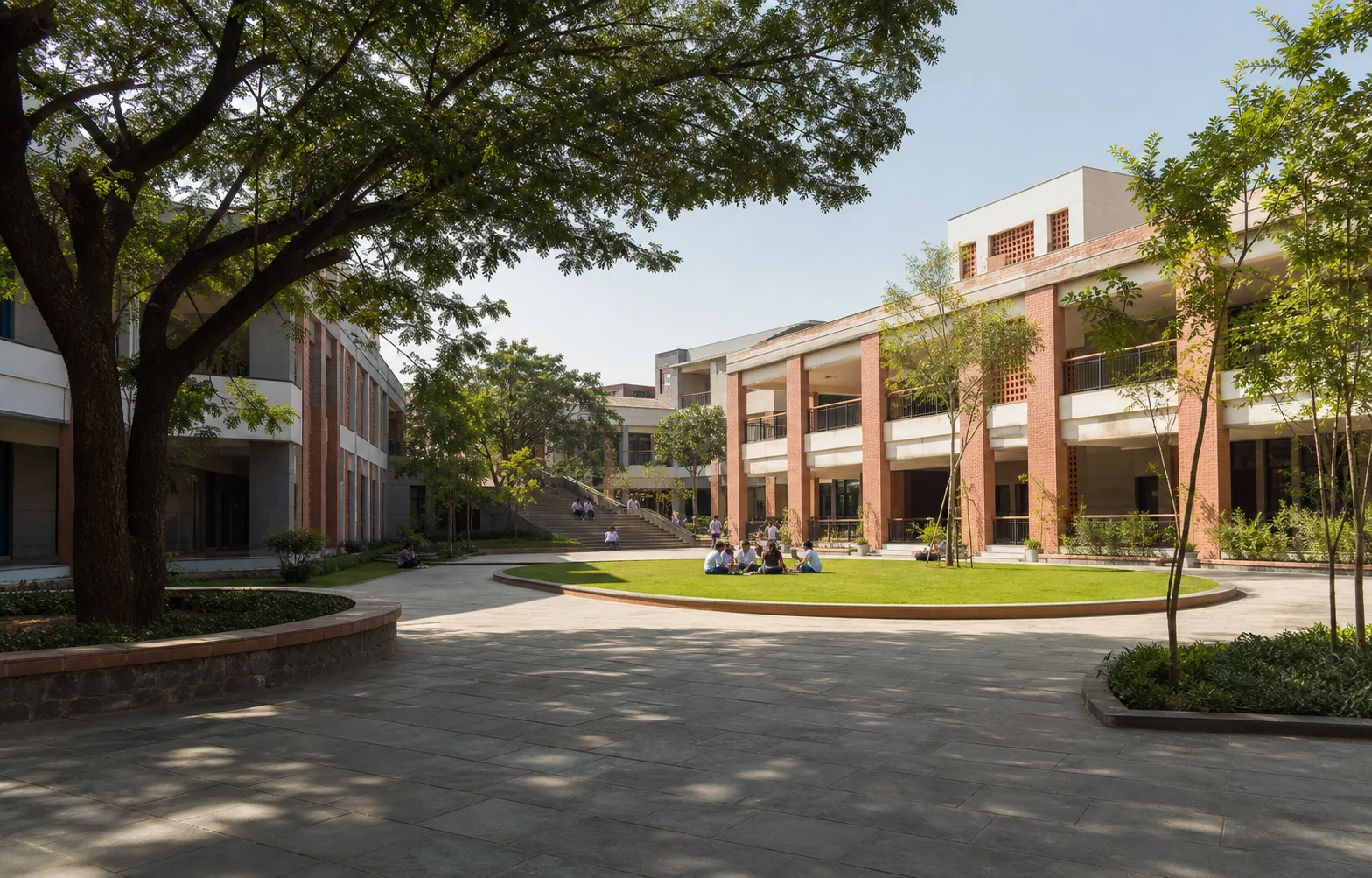
Generated fictional Indian school campus used only to illustrate the visual direction of a demo-school website; it does not depict a real institution or customer.
Admissions open · Demo content · Fictional concept

A welcoming school website, ready for your team to review.

Present academics, admissions and school life clearly, then route enabled enquiry forms into the admissions workflow.

Explore admissions
01A clear admissions path
02School stories and updates
03Enquiries connected to CRM
Generated fictional campus visual · not a real institution, customer website or live-product screen
Generated fictional campus context · not a real institution, customer website or live-product screen · Result: First-party product evidence using deterministic synthetic demo dataExample labels and outcomes come from this capability's reviewed catalogue record.

Product scope

What it does

Draft a multi-page marketing site from a brief, edit it through supported natural-language instructions, and prepare section copy and SEO for human review. Lead-capture blocks can hand admissions, contact and event enquiries to the CRM, while the optional public bot is limited to approved published content rather than student or fee tools.

The school problem

School teams need a dependable way to handle Website Builder AI: Draft and edit a multi-page school website through supported instructions. The required records, assigned roles and review boundary must remain explicit.

Day-to-day work

How your school uses it day to day

Draft and edit a multi-page school website through supported instructions.

  1. A multi-page site draft from a structured brief
  2. Edit through supported instructions; review section copy and SEO
  3. Education-scope guardrails on every AI action
  4. Enabled lead-capture blocks hand enquiries to the admissions CRM

Operational result

What your school gets

A reviewable multi-page school-site draft with supported edits, SEO copy and enabled enquiry blocks linked to admissions.

Access and ownership

Who typically uses it

  • School owner
  • Principal
  • Website administrator
  • Communication or admissions lead

What each person can actually see depends on the role you give them and which classes or records you assign.

Availability and setup

What to confirm before rollout

Included from Premium

Permission-scoped Aira questions and supported actions that require human confirmation.

  • Aira and the website builder enabled for the school, plus approved public content and a human publishing review
  • Confirm plan scope, role permissions, data dependencies and any provider or migration prerequisites during the demo and proposal.

Connected operating context

Available workflows

These are the documented neighbouring capabilities that school teams may review with this module. A related page does not imply that every hand-off is automatic or enabled in every plan.

Explore all modules

Buyer questions

Frequently asked questions

The questions school owners ask before they subscribe: what it does, who can see it, and what to set up first.

Does Website Builder AI work on its own?

Enquiry Management, Notice Board, Announcements, Custom Forms are the documented neighbouring capabilities. They help a school evaluate the surrounding hand-offs, but a related page does not mean every integration is automatic or included in every plan.

What should our school prepare before enabling Website Builder AI?

Aira and the website builder enabled for the school, plus approved public content and a human publishing review. Confirm plan scope, role permissions, data dependencies and any provider or migration prerequisites during the demo and proposal.

Is AI used in Website Builder AI?

Dedicated Aira capability. Aira supports only the reviewed actions listed on this page, and authorised people remain responsible for confirming material actions.

How do we confirm the plan and implementation scope?

Website Builder AI is included from Premium in the current public plan matrix. Final rollout scope, services and external dependencies are confirmed in your written proposal.

See it in your school context

Run website builder ai the connected way.

See how this workflow fits your school's current records, roles, plan and rollout requirements.